
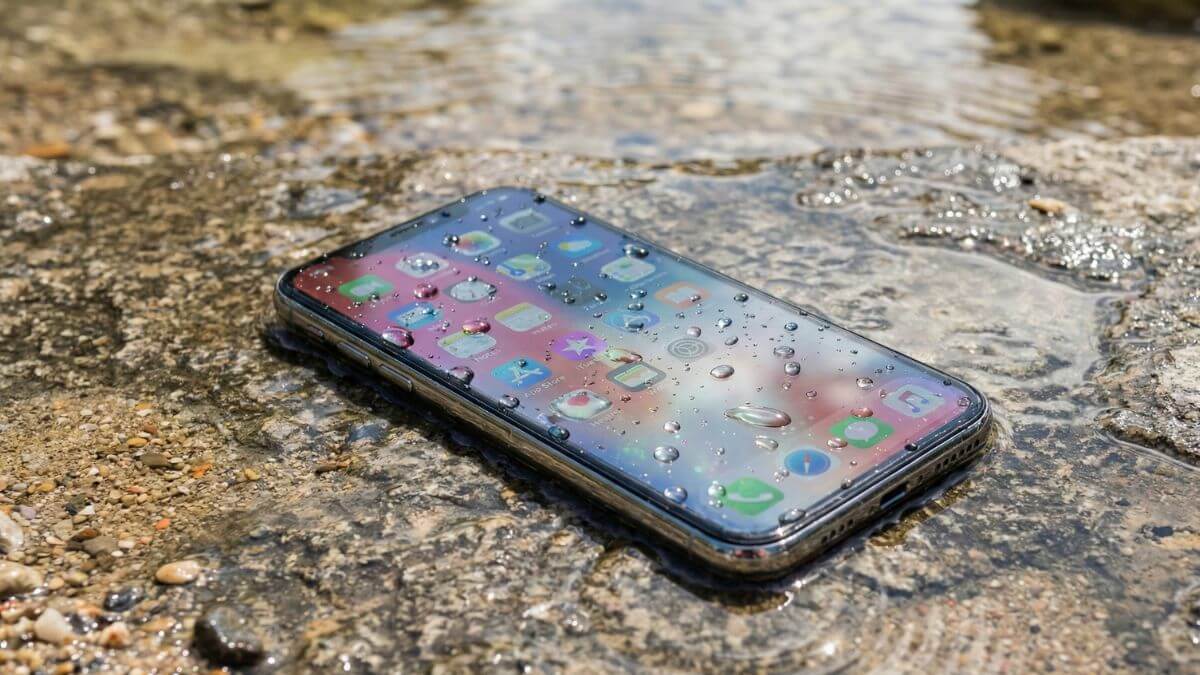
A mobile phone speaker may seem like the least noticeable part of your phone when making calls, watching your favourite video, or receiving notifications, as users tend to overlook the vulnerability of the device to dust and water.
A survey conducted in 2023 showed that almost 38% of hardware-related issues with smartphones are associated with issues related to sound, including blocked and dampened speakers. Have you experienced a reduction in sound quality, such as when playing back rain or dust, through your speakers? At first, such experiences might seem trivial, but when left unnoticed, they might become worse. Knowing why your speakers get damaged will give users an early start to getting their sound back in no time, without going through any costly repairs.
In today’s article, we are going to share some valuable tips and tricks on how to fix a mobile speaker that may have been damaged by dust or water.
7 Tricks to Remove Dust or Water from Android and iOS Devices
You may try certain techniques on your phone to get the speakers to function again. These are really simple strategies to utilise, and you do not need to be tech-savvy to use and follow them.
Open the Music app and play an audio file to test speakers. If the file plays and you can hear the audio, your speakers are in good working order. Just to be sure, try your speakers with one more app.
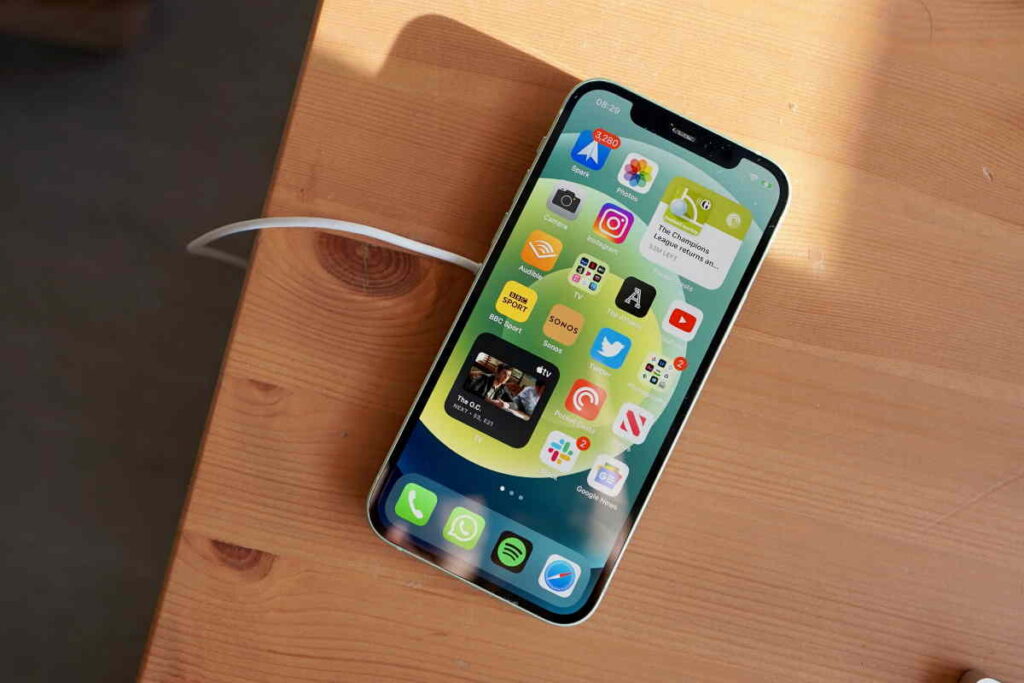
You may test your speakers by going into the diagnostic menu on some phones. To test the speakers, use the above procedure on practically all devices. Now that you’ve checked your speakers and discovered they’re not working, you may try the methods below until your phone’s problem is repaired.
Trick 1) Check for Software Issues
Your phone’s software may not provide the correct signals to its speaker if it isn’t operating properly or is old. The good news is that most software issues are straightforward to resolve and can be resolved with a simple software update or reinstallation.
There may be a tiny defect (similar to the phone being hung), and restarting your phone is one simple approach to resolve the issue. Rebooting the device will certainly restore the speaker’s original sound. There are many different sorts of Android apps, and some have their own sound settings. You may activate and disable audio for various tasks in these apps.
It’s easy to harm your phone if you don’t keep it in a clean, dry area. The speaker on your phone is one of the most fragile elements of the device, and it is easily damaged. When at all feasible, keep your phone in a protective case. Your speaker damage might result from recently dropping your phone without its protective cover.
Trick 2) Manually Disable Headphone Output
- Connect a set of headphones and then disconnect them. Remove the headphones from your ears one more time.
- Your phone should be restarted. Most issues may be resolved by restarting your phone.
- Make sure your headphone jack is clean. Dirt and dust can obstruct the jack on your headphones.
- Bluetooth should be turned off.
You may have linked your phone to a Bluetooth device, which is one of the reasons your Android speakers aren’t working. When this occurs, your phone transmits audio signals to the device to which you are connected.
Disconnecting your phone from that device is the easiest way to get around this problem. Follow the procedures below to do this.
- On your device, go to Settings > Bluetooth & device connection > Bluetooth.
- Select Disconnect from the cog symbol next to your connected device.
- You may also delete the linked device from the list if you like.
Trick 3) Try Safe Mode
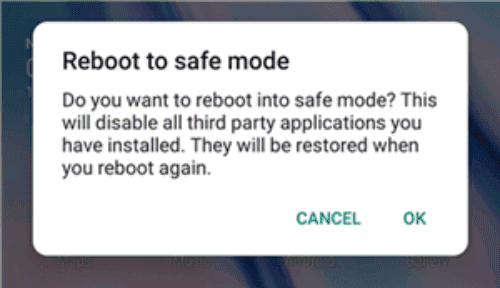
In case you didn’t know, Safe mode is a setting on your phone that only loads the files you need to turn on. If any applications have been installed and are creating speaker problems, you may utilize this mode to troubleshoot the problem and delete the offending apps.
It’s as simple as touching a couple of buttons to activate the safe mode. In fact, even while you’re in safe mode, your entire system usually functions. The process for entering safe mode differs depending on the device. On an Android phone, the steps to enter safe mode are as follows.
- For a few seconds, press and hold the Power button.
- To turn off the device, tap and hold the Power off option.
- A prompt will appear on your screen. Your phone will reboot into safe mode if you tap OK.
- Remove the troublesome apps and check to see whether your sound has returned.
Trick 4) Clean the Speaker Grills
Over time, debris (makeup, dead skin cells, pocket lint, etc.) collects in the speaker vents of your cell phone, causing the sound to become muted. This isn’t a job you should attempt on your own. Your attempt to clean your speaker at home with pressured air and chemicals, and water will result in damage to both the speaker and your entire phone.
The speakers on your phone must be in good working order for them to perform correctly. The speakers of your device will need cleaning when dust and other particles build up on them.
Find the location of your phone’s speakers with a clean cloth. Wipe the speakers and the space around them lightly with the towel. The speakers need to be free of dust accumulation. The presence of dust requires you to seek professional help for its removal.
Trick 5) Perform a Hard Reboot
When your Android speakers stop working, one of the most popular solutions is to reset your smartphone. Turning your phone off and back on should resolve most difficulties caused by applications or other utilities interfering with your phone’s speakers. Furthermore, there is no risk in using this procedure.
The Power button can be used to reset nearly all Android devices. On-screen options are available on some smartphones, allowing you to choose what you want to do with your phone. To restart your device, follow these steps:
For a few seconds, press and hold the Power button.
To restart your phone, tap the Restart option.
Trick 6) Water Accident? Let It Dry
- Switch the gadget off as soon as possible, and don’t turn it on again.
- Dry the entire area using a microfiber cloth. To eliminate the surplus water stored in it, rub it around the edges and crevices.
- Charges should not be plugged in since they can cause a short circuit.
- Before opening it, don’t blast air into it or use a blow dryer on it.
- Don’t try to switch on your phone since it will just do you additional harm. Water doesn’t mix well with electrical components, which might result in a short circuit and harm the phone’s CPU.
- Do not connect the charger.
- If you push any keys or volume buttons, the water globules beneath the rubber will be forced into the phone, causing more harm.
- Blowing into your water has the same effect as blowing into your phone. Stop doing that and attempt to keep the phone turned off so you can take it to the repair shop immediately.
- Don’t freak out and use a dryer or anything else with the heat on your phone. Your device may possibly be harmed as a result of this.
- Instead of keeping your phone moving, attempt to keep it motionless and take it to a local service shop to have the water removed from the phone speaker.
Put your Phone in Rice; it removes water.
The tried-and-true method of placing the phone on rice to repair water damage to the speaker works wonderfully. On the other hand, the rice method is great for modest harm, but you can’t rely on it for major damage.
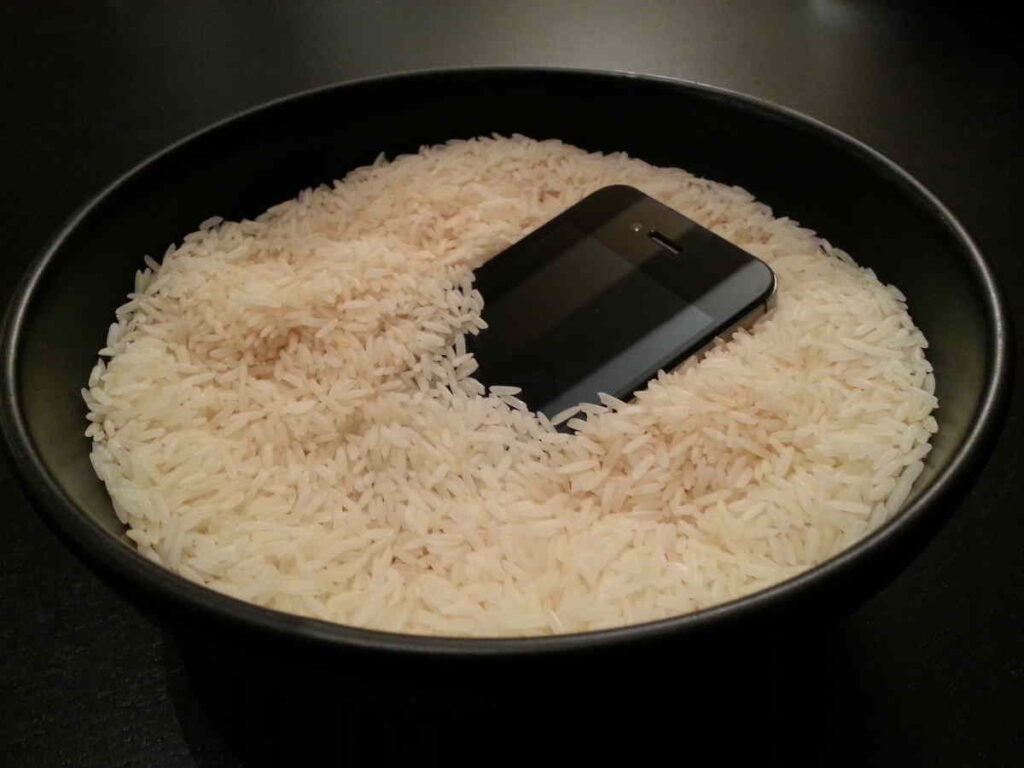
Rice might be a good alternative if your gadget was only submerged for a brief period. However, if the phone was submerged for an extended period, it should be dismantled and the various pieces placed in rice. This will undoubtedly assist you in removing the water from your speakers.
Trick 7) Do a Factory Reset
If none of the above techniques has worked, your last option is to restore your Android phone to factory settings. This deletes everything on your device, including your settings.
So, back up your data before resetting your Android phone to factory settings. If you’re okay with it, this could cure the device’s speaker problem if it’s caused by a software tool.
The steps to reset your phone are as follows.
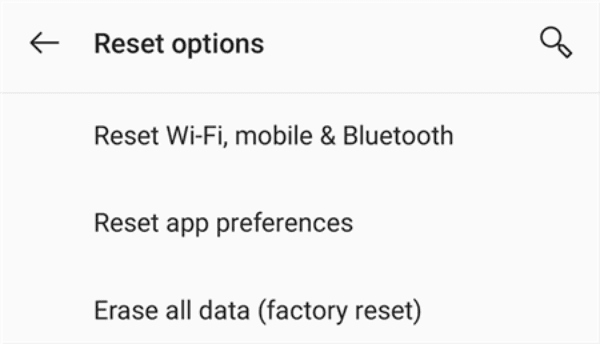
- On your smartphone, go to Settings > System > Reset options.
- To factory reset your phone, tap Erase all data (factory reset).
Trick 7) Get Professional Help
A malfunctioning phone speaker can make using your phone virtually hard due to muffled, distorted sounds. Bring your phone to the nearest service centre instead of worrying about its damaged speakers. There will be new speaker hardware fitted.
Also Read: How to Protect Smartphones From Overheating
Conclusion
Mobile speakers that come into contact with dust or water usually develop problems during their initial stage of use, but performing immediate maintenance can stop permanent damage from occurring. The combination of regular cleaning with proper drying techniques and basic preventive measures enables many sound quality problems to be fixed without the need for professional assistance. Industry data shows that prompt maintenance reduces hardware failure risk by nearly 30%, highlighting the value of early intervention. The choice to leave distorted or muffled audio unaddressed will result in higher repair expenses and extended equipment downtime. Users can safeguard their device performance and lifespan by understanding the causes of these problems and following the appropriate resolution steps.
