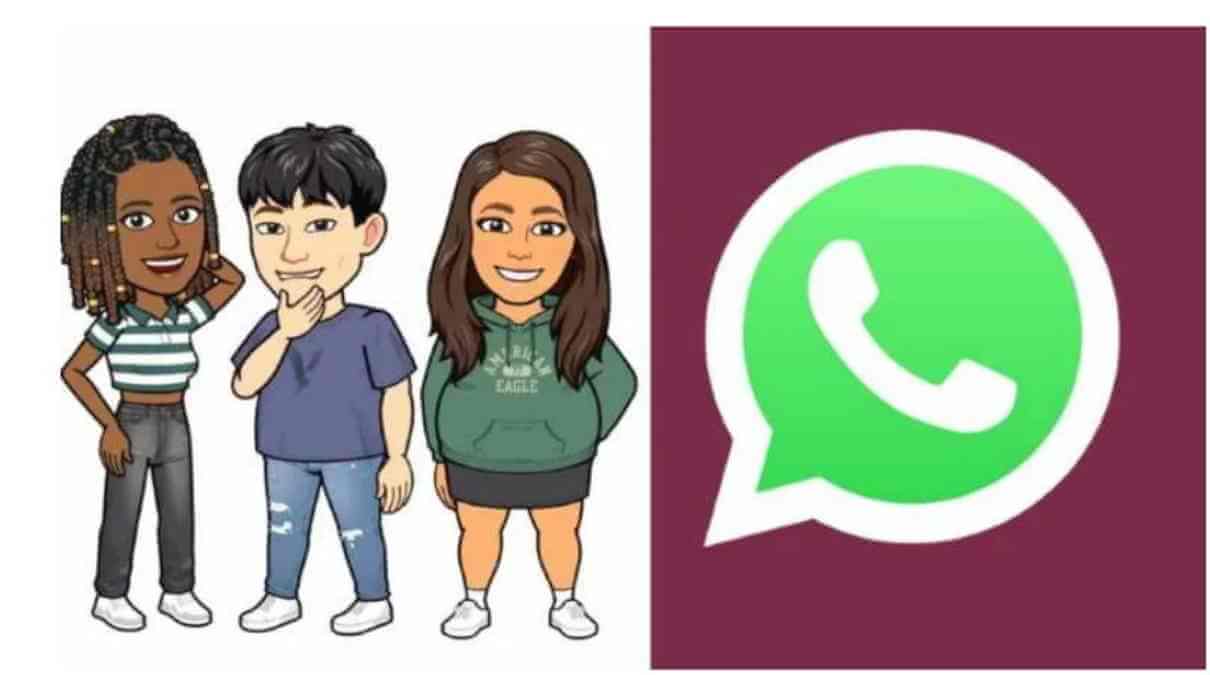
WhatsApp has rolled out a new Animated Avatar feature that enables people to communicate more personally and dynamically. Unlike traditional static avatars, these animated avatars animate reactions and emotions, making messages more interactive. If you would like to create your own avatar or utilise animated stickers, the feature enriches your messaging experience.
This tutorial will take you through creating, customising, and using WhatsApp Animated Avatar to enhance the fun and expression of your chats.
What Exactly Is WhatsApp’s Animated Avatar Feature?
Think of it as your own mini Pixar character that lives inside WhatsApp. You create a 3D-style avatar based on your likeness (via selfie or manual tweaks), and it automatically generates hundreds of expressive stickers—many of which animate on supported devices. These aren’t your grandma’s static emojis. They wink, dance, cry-laugh, and even team up with friends’ avatars for “social stickers.”
You can set the avatar as (or alongside) your profile picture, where swiping reveals dynamic poses. Use them to react to statuses instantly or spice up group chats. Recent updates added better animations, improved realism (better lighting, shading, and body diversity), and privacy controls so your cartoon self doesn’t end up in unwanted sticker packs.
Why bother? Because in a sea of identical “Hi” messages, an animated avatar that high-fives back says, “I’m fun, I’m present, and I care enough to be creative.” Research from messaging platforms shows visual personalisation boosts engagement by up to 40% in casual conversations—your avatar is basically free charisma points.
How to use Avatar on WhatsApp?
On WhatsApp, you may build a sticker pack or an avatar to use as your profile image. Making an avatar in settings:
- Click on Settings.
- Select Avatar –> then click on Create your Avatar.
- Follow the steps that are shown.
- Click on Done. Now, you have successfully created your Avatar on WhatsApp.
After creating your avatar, you may hit Create Profile Photo to use it as your profile photo, or you can use it as a sticker in conversations. You are in charge of how you use your avatar, and creating one is optional. You can also archive your WhatsApp conversation with the avatar.
New WhatsApp Features
Additionally, WhatsApp is developing new privacy capabilities that let users leave groups invisibly. Additionally, the online chat service will no longer permit screenshots for “View Once Messages.” Users can also decide who has access to view their online status. Zuckerberg announced the features’ release.
“WhatsApp is introducing new privacy features that will allow you to leave group conversations secretly, manage who can see when you’re online, and stop screenshots from being taken of messages when they are first opened. We’ll develop additional security measures to keep your messages as private and safe as face-to-face interactions.”
The Future of Digital You
WhatsApp avatars aren’t just stickers—they’re a statement. In an era of AI everything, they’re a playful rebellion: “This is me, amplified.” They foster connection, spark joy, and occasionally roast your friends (responsibly).
As Meta pushes deeper AI integration and privacy tools into 2026, expect even wilder animations, AR try-ons, and maybe avatar video calls. But for now, this feature is pure gold for anyone tired of flat communication.
So go ahead—create that avatar. Make it sarcastic, make it bold, make it you. Your chats will thank you, your contacts will save your stickers, and somewhere in the metaverse, your digital self is already dancing. What’s stopping you? Update WhatsApp, dive in, and watch your conversations come alive.